Account & team · for tenants
Users, roles and sign-in
Invite your team, give each person a role (owner, manager, staff, viewer), and let them sign in with a password, Google or phone.codeb.io.
Sign-in options #
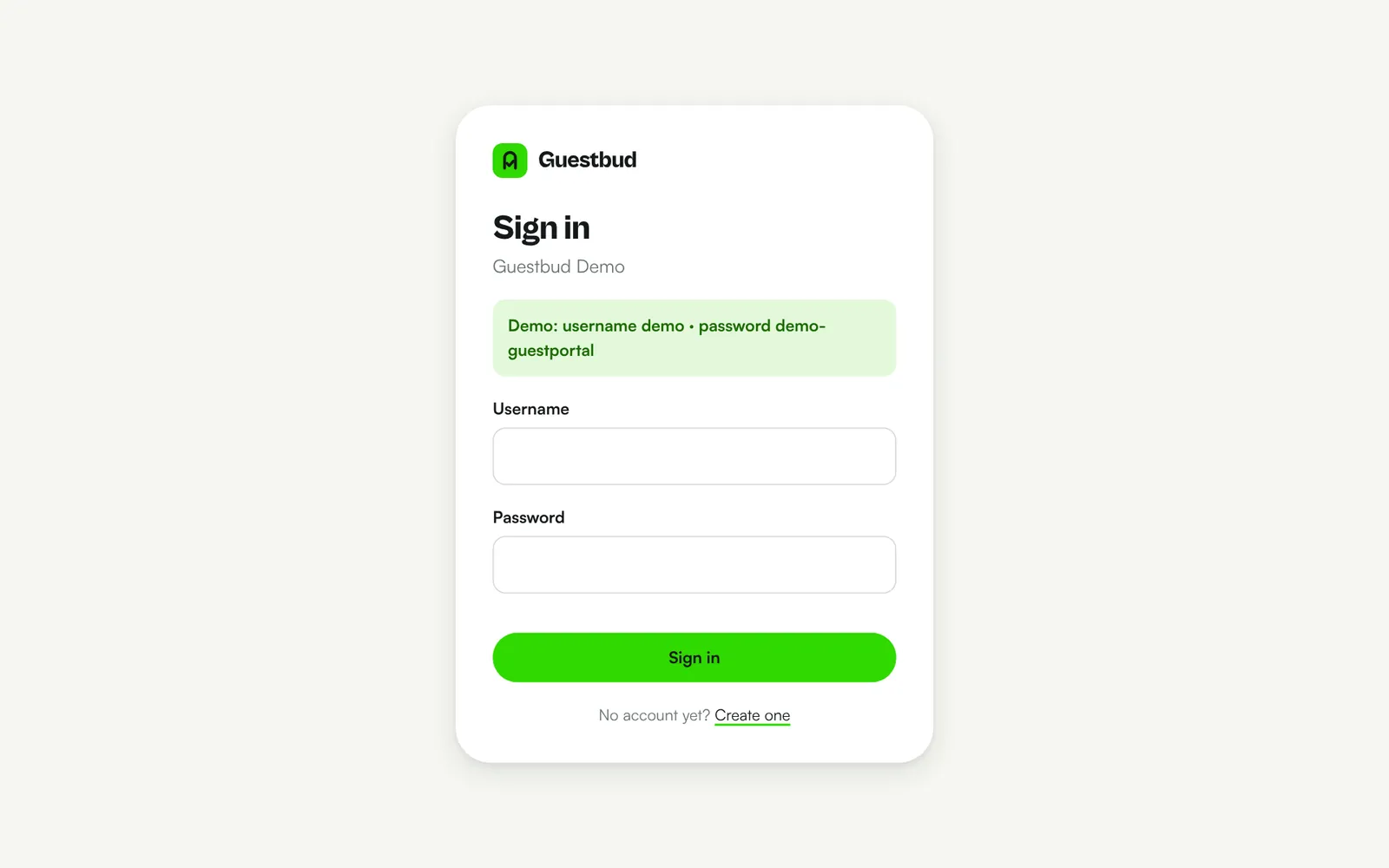
Everyone signs in at /login on your portal address (or the platform's login page with your company short name):
- Username and password — at least 10 characters. Temporary passwords must be changed at the first sign-in. After 6 failed attempts sign-in pauses for 15 minutes.
- Continue with Google — works when the user's email address in Users & roles matches their Google account.
- Continue with phone.codeb.io — sign in with your phone; matches the user's email or mobile number.
Roles #
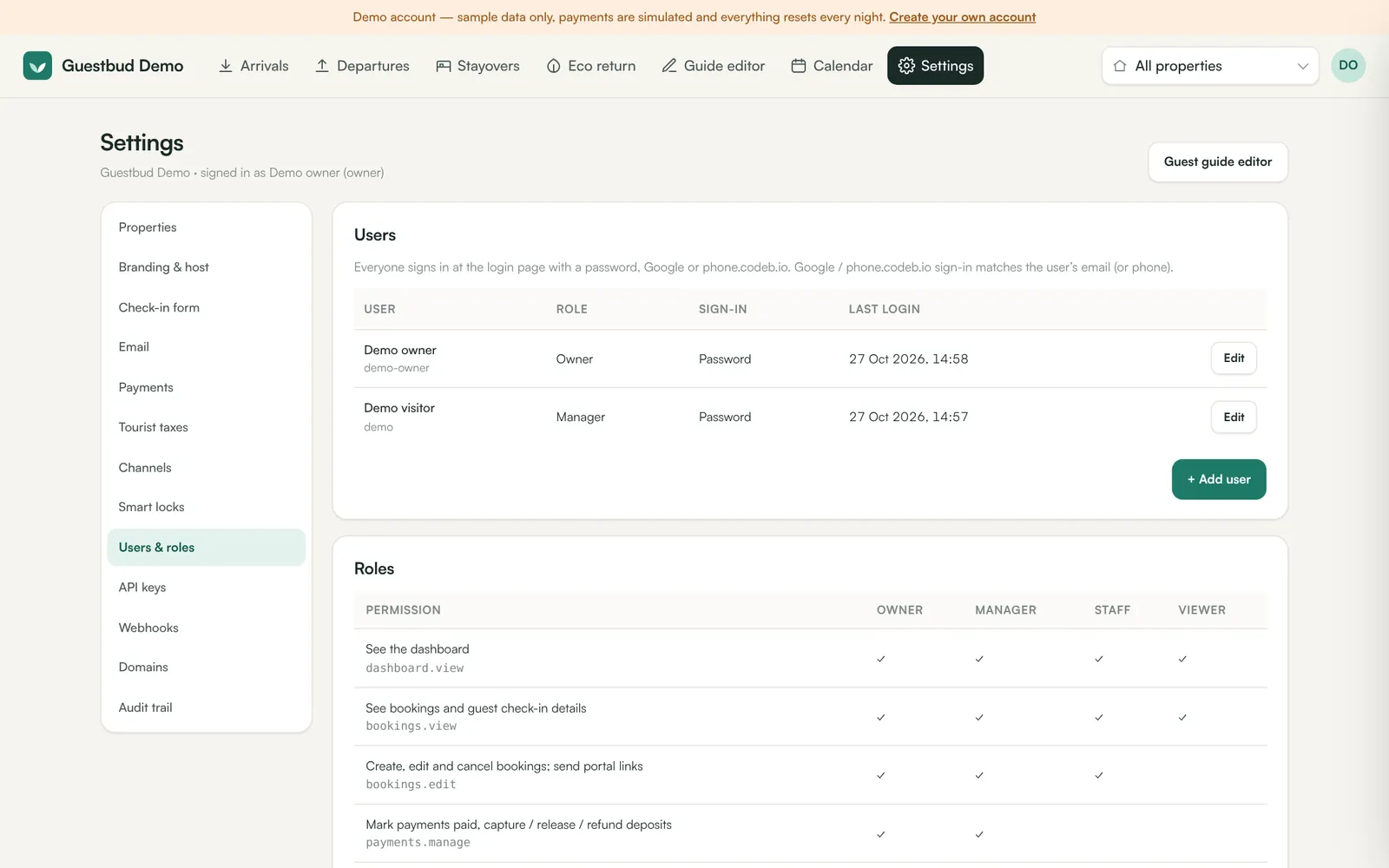
| Role | Can do |
|---|---|
| Owner | Everything, including users, API keys, the audit trail and owner roles |
| Manager | Everything except users, API keys and the audit trail: bookings, payments and deposits, properties and guide, channels, settings, reports |
| Staff | View and edit bookings, view properties — no payments, settings or reports |
| Viewer | Read-only: bookings, properties and reports |
The exact permissions are listed under Settings → Users & roles → Roles. Every tenant always keeps at least one active owner.
Add a user #
- Settings → Users & roles → + Add user.
- Enter a username, name, email (for Google) and mobile (for phone.codeb.io), choose the role.
- Leave the password empty to generate a temporary one. It is shown once — pass it on securely.
Change, disable, remove #
Open the user to change the role or contact details, Reset password (signs them out everywhere), tick Disabled, unlink a Google or phone.codeb.io identity, or Remove them.
Audit trail #
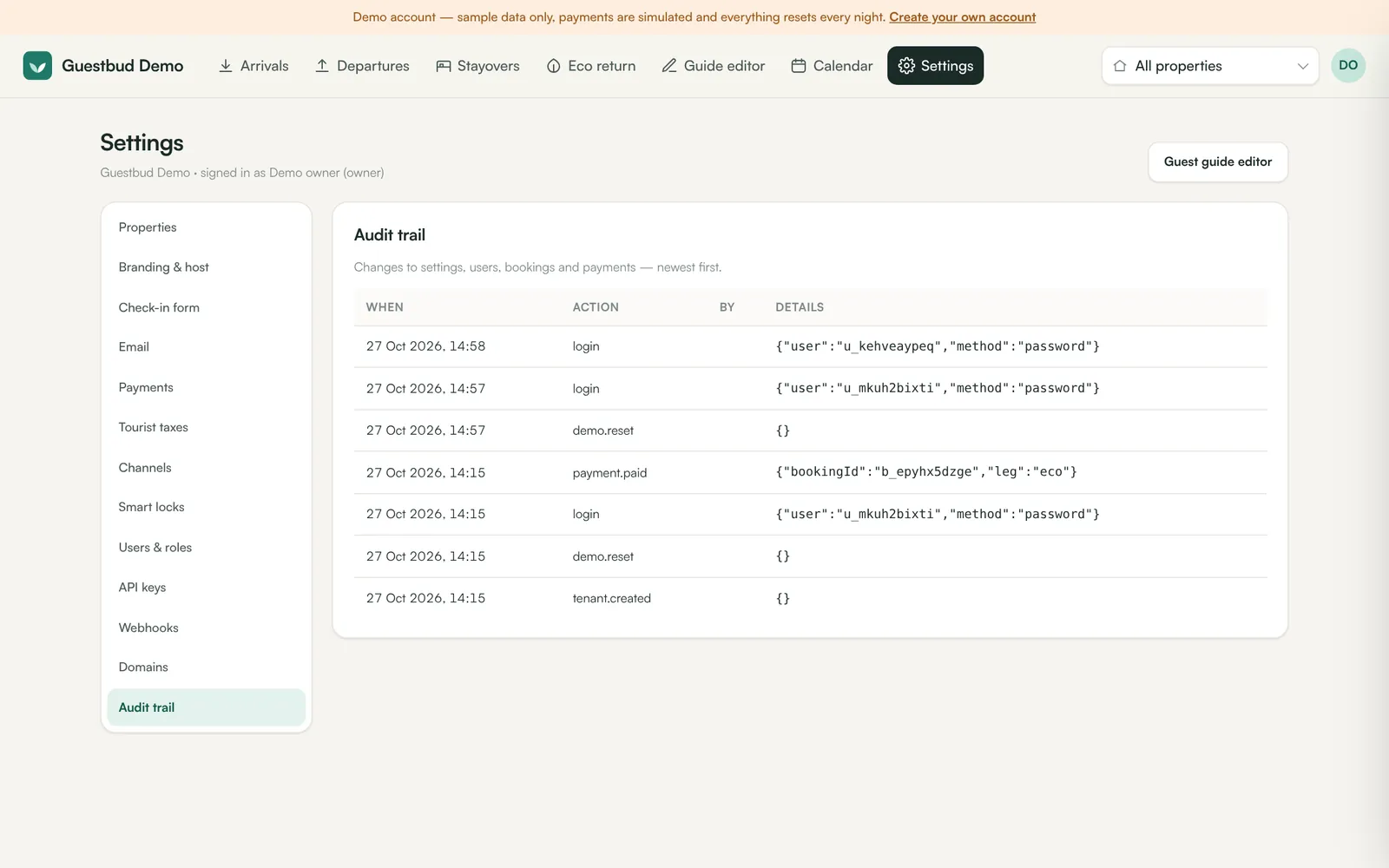
Settings → Audit trail records who changed settings, users, bookings and payments, and when.
Frequently asked questions #
Can the platform operator see my account? #
Only when you ask for support: the operator can open your backend in a support session, which is recorded in your audit trail.
I forgot my password? #
Ask an owner of your account to Reset password for you. Owners can ask the platform operator.