Channels · for tenants
Connect any iCal calendar
Import bookings from any iCal calendar (Airbnb, Booking.com, Vrbo, Google Calendar) and export an iCal feed that blocks dates booked in the guest portal.
iCal import (Airbnb, Booking.com, Vrbo, Google Calendar …) #
Almost every platform can export a calendar as an iCal link. The guest portal can read it:
- Copy the export link of the listing — for example in Airbnb Calendar → Availability → Connect calendars → Export calendar, in Booking.com Rates & availability → Sync calendars → Export.
- Paste it into Settings → Properties → Settings → iCal import URL (it must start with
https://). - Settings → Channels → iCal feed → Import now, then automatically every 30 minutes.
Airbnb marks bookings as Reserved and owner blocks as Not available — blocks are skipped. Booking.com exports every occupied night as CLOSED – Not available, bookings and closures alike, so for Booking.com feeds every event is imported as a stay; delete the ones that are only closures.
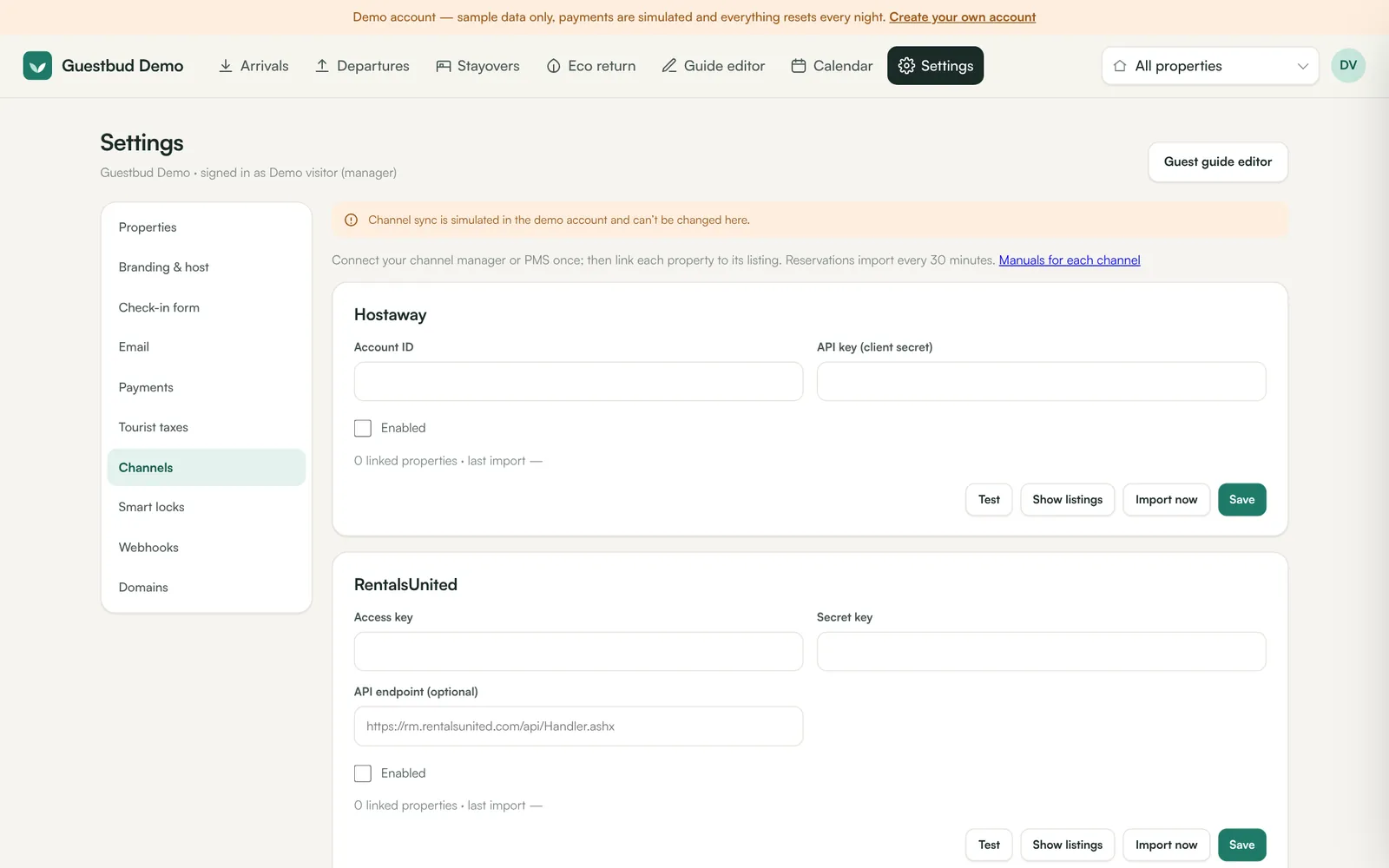
iCal export #
The other direction: every property has a private export link (Settings → Properties → Settings → iCal export) containing all bookings and blocked dates from the guest portal. Import it into your other channels so they close dates you booked locally.
Frequently asked questions #
How fast are iCal changes picked up? #
The guest portal reads every 30 minutes. Many platforms refresh imported calendars only every few hours, so direct channel managers (Hostaway, Rentals United, Channex) are faster.
SiteMinder / Little Hotelier? #
Yes — SiteMinder and Little Hotelier have their own connection: see Connect SiteMinder / Little Hotelier.