Feature · upsells
Paid early check-in and late check-out — only when the calendar allows
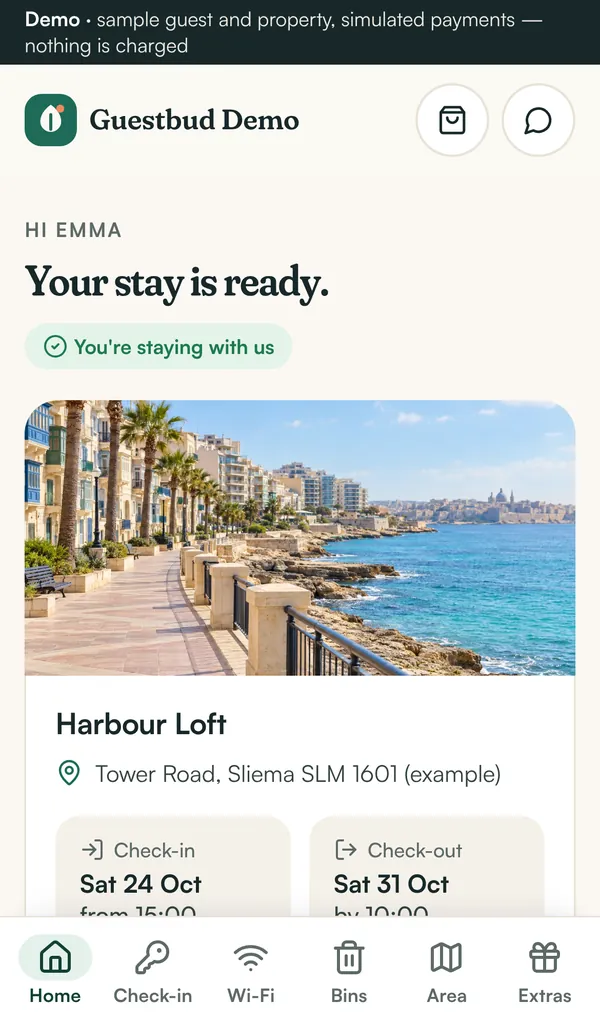
Guests ask for it all the time. Guestbud turns it into a one-tap purchase in the stay guide — and only shows the offer when nobody checks out that morning or arrives that afternoon, so your cleaners never get squeezed.
How it works
- You set up to three times and prices each, e.g. check-in from 12:00 for €25 or check-out until 13:00 for €20
- Early check-in is offered only if no other guest leaves that day; late check-out only if nobody arrives
- The guest pays in the stay guide through your Revolut account, like extras
- The booking time, the guide and the Nuki door code move to the new time automatically
- You get a notification on your phone and the activity log records it
Off until you switch it on
The option is off by default. Turn it on under Settings → Early & late, choose your times and prices, and decide whether same-day changeovers block the offer.
A worked example
Anna arrives on Friday; the previous guest left on Wednesday. Her guide shows “Arrive earlier: from 12:00 · €25”. She taps it and pays — her check-in becomes 12:00, her keypad code now works from 12:00, and Statistics counts the €25 under early/late revenue.
Frequently asked questions
Can guests buy a time when another guest is still in the apartment?
No. With the changeover check on (the default) the offer is hidden whenever another booking of the same property leaves on the arrival day or arrives on the departure day.
Who receives the money?
You do — it is paid through your own Revolut merchant account, like the tourist tax, deposits and extras.
Is it available on every channel?
Yes. It works for Airbnb, Booking.com, direct and every other booking, because it is sold in the Guestbud stay guide, not on the channel.
Read the manuals
- Early check-in and late check-outSell an earlier arrival or a later departure in the stay guide — offered only without a same-day changeover, paid via Revolut, door code and times move automatically.
- The guest experienceWhat guests see: online check-in, tourist tax and deposit payments, then door codes, Wi-Fi, rubbish days, local tips and extras — installable on the phone.
- Connect Revolut payments (incl. sandbox and test cards)Connect your Revolut Business merchant account: sandbox keys and test cards, webhook, payment methods, deposits as hold or charge, then go live.
- Nuki smart locks — automatic door codesConnect Nuki: every paid stay gets its own keypad code, valid from check-in to check-out, shown in the guest portal and removed after the stay.
Reviewed 27 October 2026 by the Guestbud team, Aloaha Limited.