Feature · reporting
Statistics per property and statements for owners
Pick a property and a period from the dropdowns — this month, last quarter, last 12 months or your own dates — and see how it performed. Management companies send each owner a clean eco-contribution statement in two clicks.
Statistics
- Occupancy: booked against available nights (owner blocks excluded)
- Bookings, cancellations, average stay and booking lead time
- Guests, online check-in rate, guide opened, average rating
- Booking revenue where the channel sends prices, average daily rate
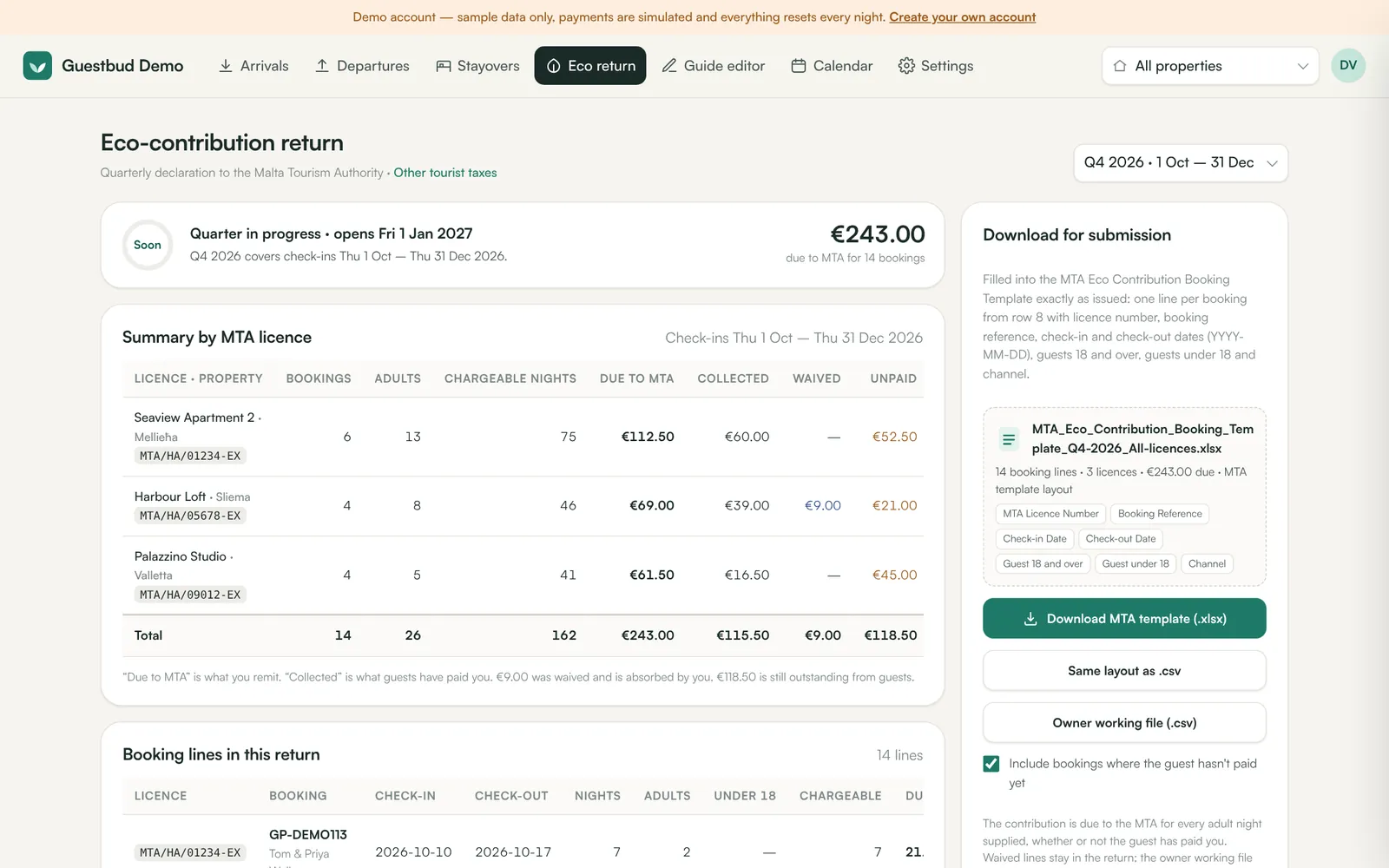
- Tourist tax due, collected, absorbed and open; deposits; extras; early/late revenue
- Channel mix and a per-property table; CSV download
Owner statements
For each property and period: what is due to the MTA, what guests paid, what was absorbed and what is outstanding, booking by booking. Print it, download CSV or email it to the owner.
Frequently asked questions
How are nights counted across month ends?
Nights are counted in the period they fall in; bookings and money count by check-in date, like the MTA return.
Where does revenue come from?
From the price the channel sends with the booking (for example Hostaway). Bookings without a price are counted but add no revenue.
Read the manuals
- Statistics per property and periodOccupancy, bookings, lead time, guests, check-in rate, ratings, revenue, tourist tax, deposits, extras and channel mix — per property and period, with CSV export and owner statements.
- MTA eco-contribution return (Malta)Download your quarterly Malta eco-contribution (environmental contribution) return in the official MTA template (.xlsx), check totals per licence, submit on time.
Reviewed 27 October 2026 by the Guestbud team, Aloaha Limited.