Getting started · for tenants
Getting started
Set up your guest portal in 30 minutes: sign up, add a property, connect Revolut payments and send your first guest link. EUDI Wallet check-in included.
Your guest portal gives every booking its own private web page. Guests check in online, pay the tourist tax and the security deposit, and only then see the door code, Wi-Fi and arrival guide. You see everything in one dashboard. Guests can even check in with the new EU Digital Identity (EUDI) Wallet — it is already supported.
This guide takes you from sign-up to the first guest link. Most hosts are done in about 30 minutes.
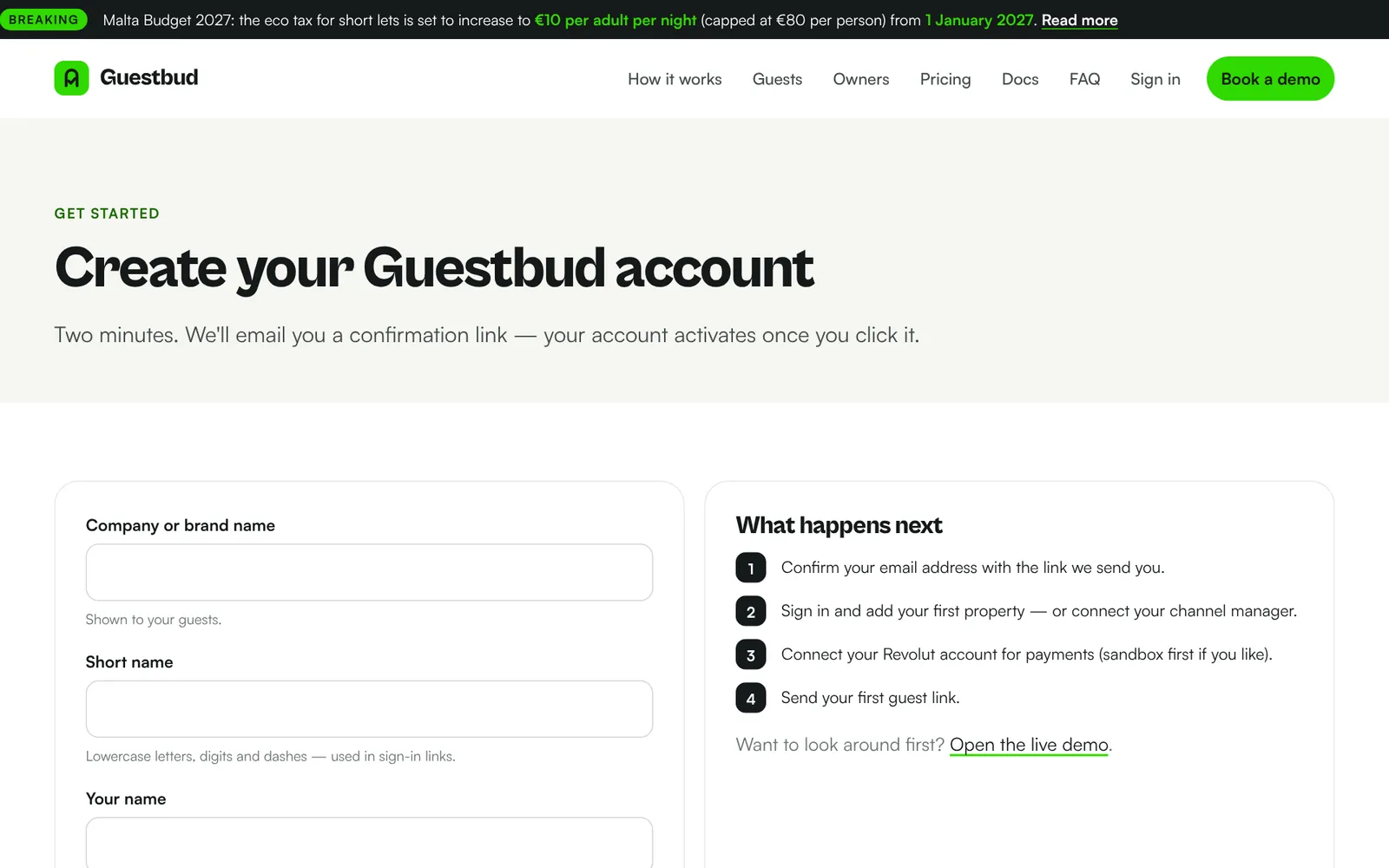
1. Create your account #
- Open the sign-up page and enter your company name, a short name (it becomes part of your web address), your name, email and a password.
- We send a confirmation link to your email. Click it within 3 days — this keeps spammers out.
- Sign in at the login page with your short name, username (your email) and password. You can also sign in with Google or phone.codeb.io once your email is linked.
2. Add your first property #
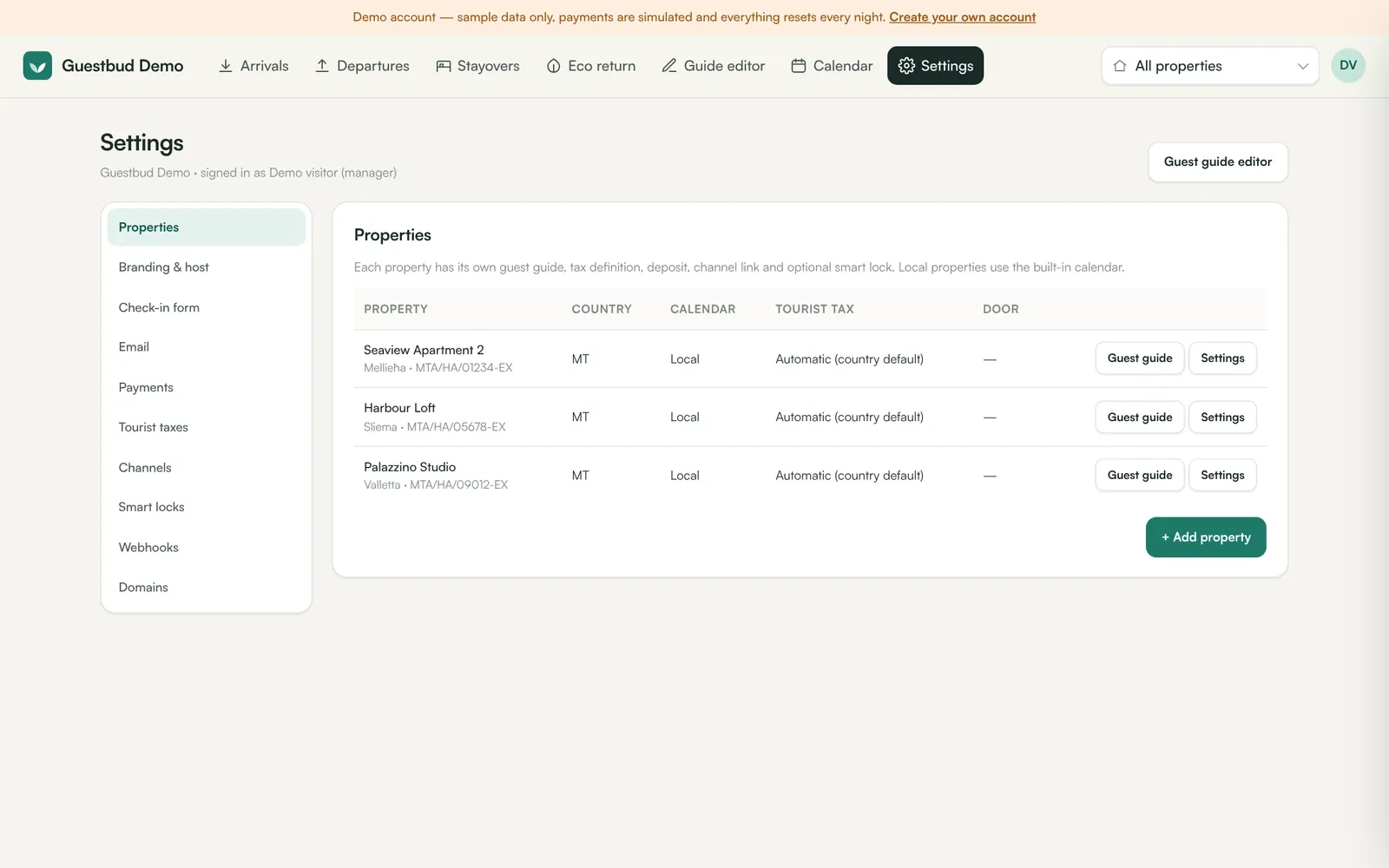
- In the dashboard open Settings → Properties → + Add property.
- Enter the name, area, country and — in Malta — the MTA licence number. The licence number is printed on receipts and used for the quarterly eco return.
- Choose the tourist tax. "Automatic" uses the country default (for Malta: the eco-contribution). See Tourist taxes for towns with their own tax.
- If the property is on a channel manager, enter its listing ID under Channel link. Otherwise leave it empty — it then uses the built-in local calendar.
3. Fill in the guest guide #
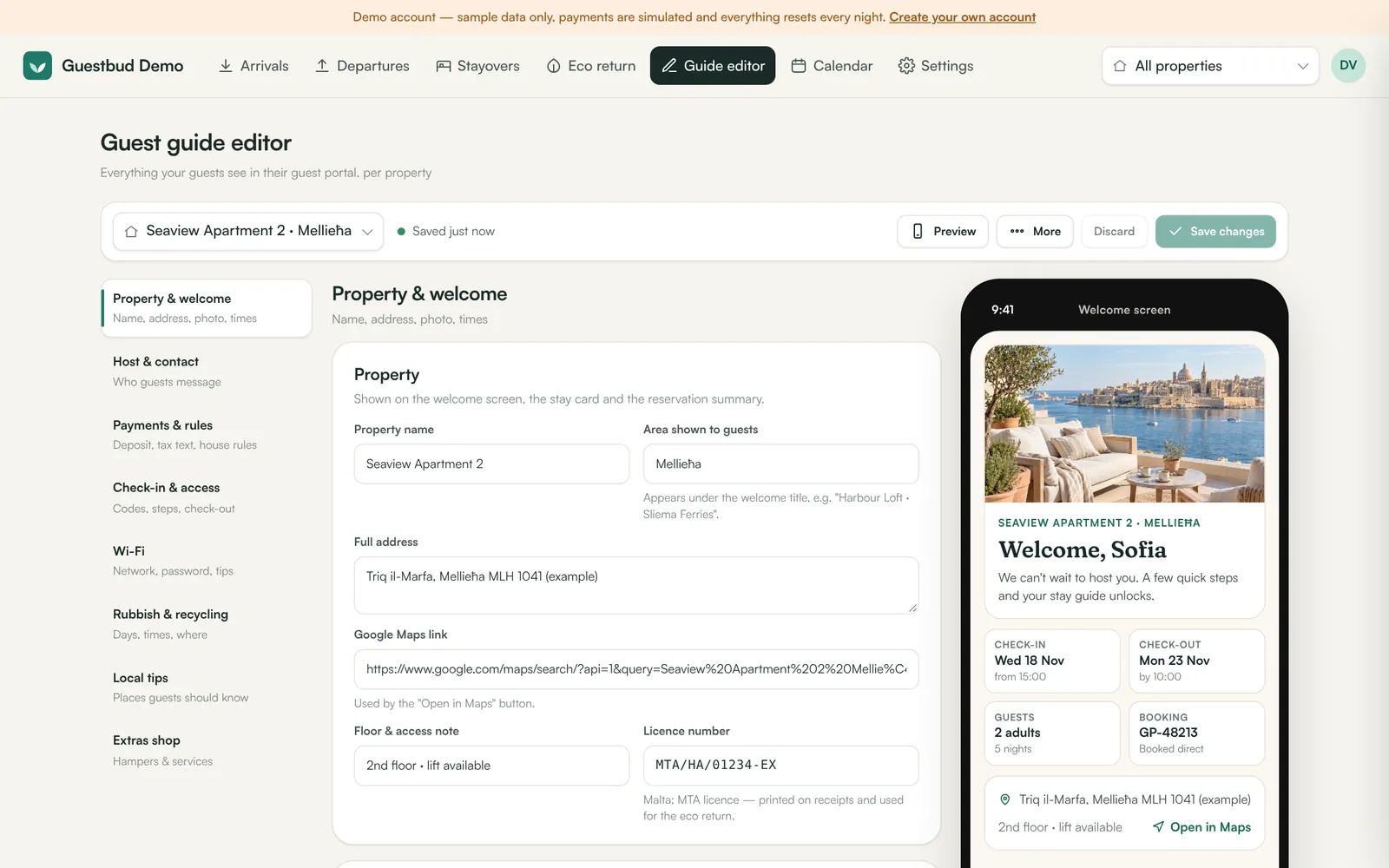
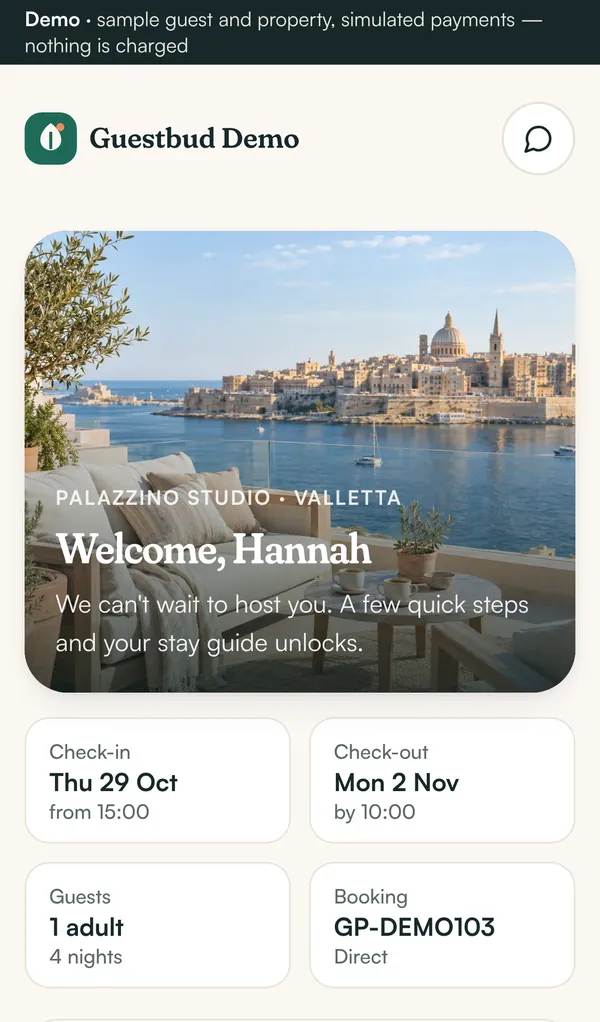
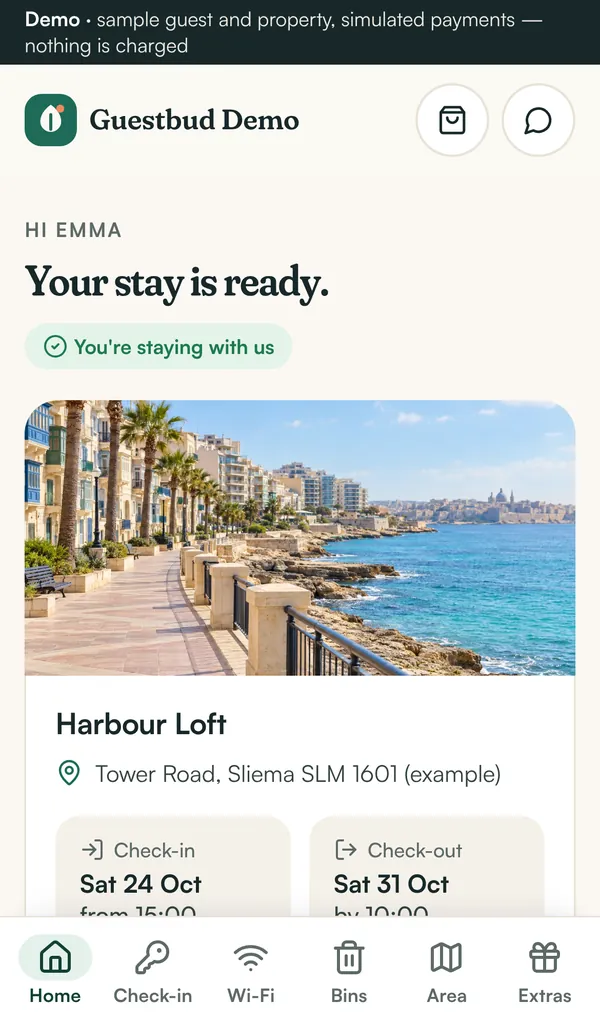
Open Guide editor and work through the sections: welcome text and photo, host contact, deposit, check-in steps and door codes, Wi-Fi, rubbish & recycling, local tips and the extras shop. The phone preview on the right shows exactly what the guest will see. Sections that don't apply (for example rubbish collection) can be hidden. Details: Properties and the guide editor.
4. Connect payments #
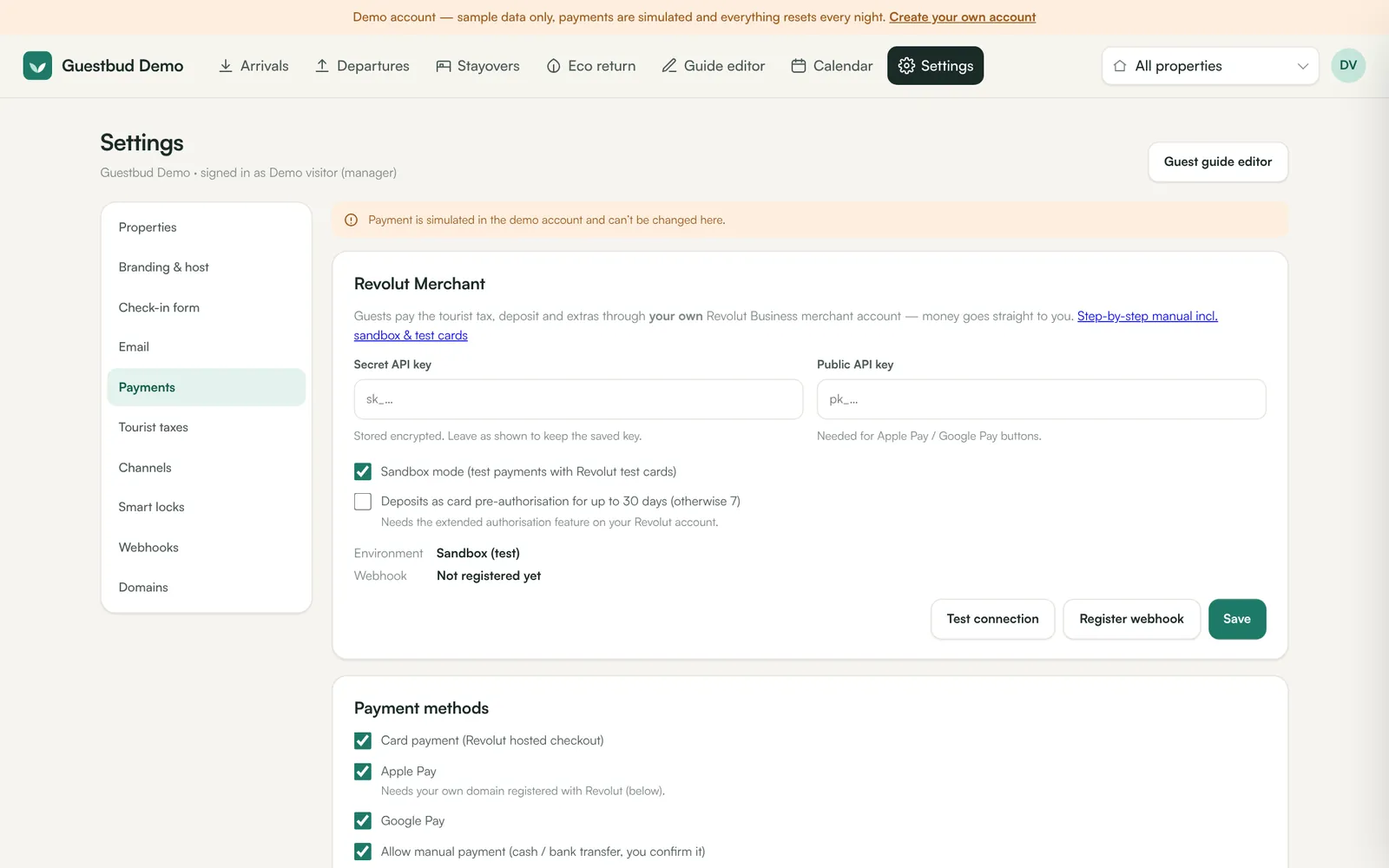
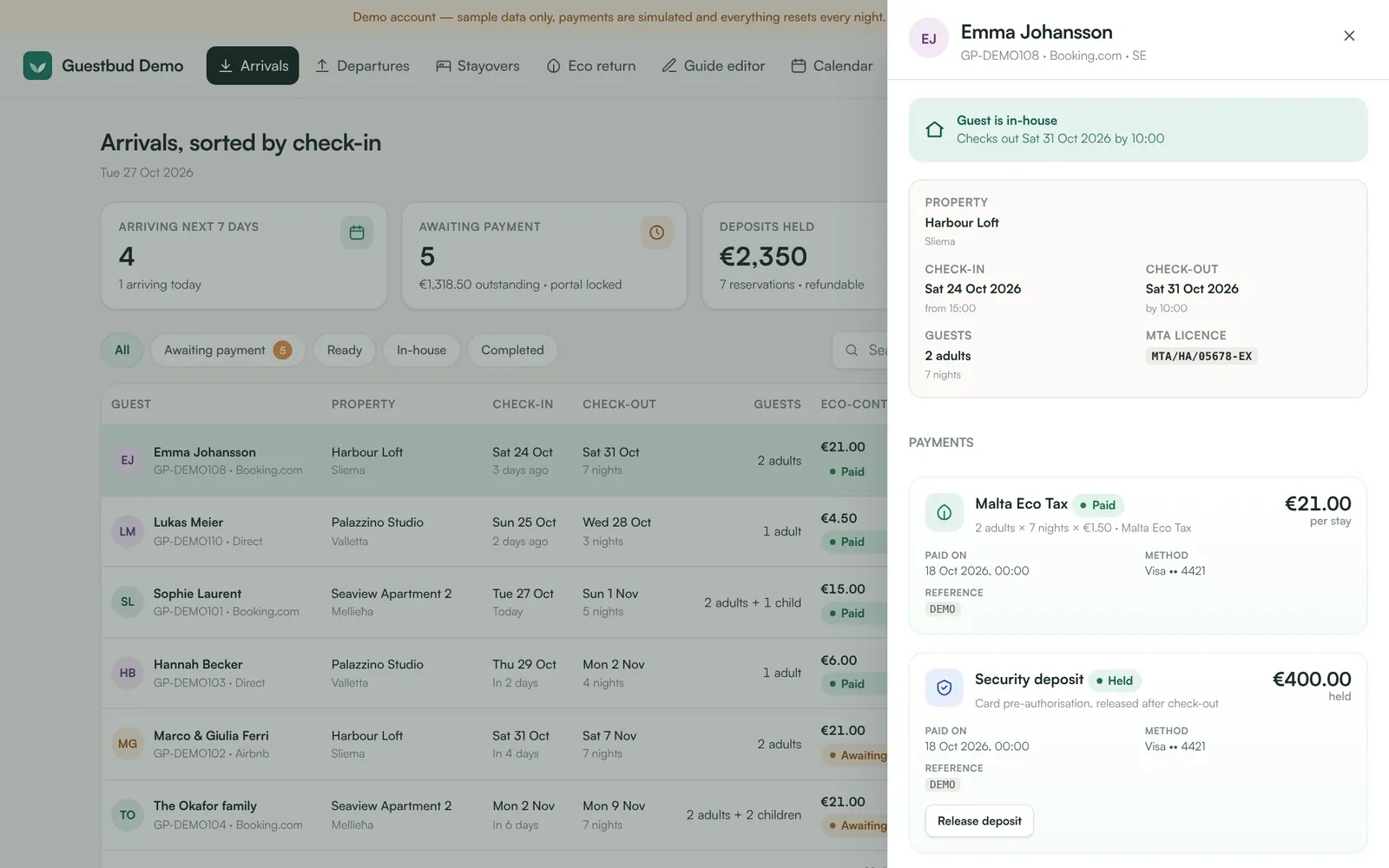
Guests pay into your own Revolut Business merchant account — the money never passes through us. Open Settings → Payments, paste your Revolut API keys and register the webhook. Start in sandbox mode with the Revolut test cards. Step by step: Revolut payments.
5. Send the first guest link #
- Create a booking in Calendar → + New booking (or let your channel import it).
- Open the booking and click Email portal link to guest — or Copy guest portal link and send it via WhatsApp.
- Optional: in Settings → Email switch on automatic invitations a few days before arrival.
6. Check what the guest sees #
Open the link yourself (a private window works best). Complete the check-in form, pay with a sandbox test card and watch the booking update in the dashboard. When everything works, switch Revolut to live mode.
What happens next #
- Arrivals, departures and stayovers appear in the dashboard; payments, waivers and deposit releases are one click away.
- In Malta, download the MTA return every quarter: MTA eco return.
- Invite your team under Settings → Users & roles: Users, roles and sign-in.
Frequently asked questions #
Do guests need to install an app? #
No. The guest portal is a web page that works on any phone, tablet or computer — and guests can add it to their home screen on iPhone or Android, where it opens like an app. Guests who have an EUDI Wallet can use it to fill in the check-in form automatically, but nobody needs it.
Is the EU Digital Identity Wallet already supported? #
Yes. Guests can confirm their identity with the EUDI Wallet through myeudi.app and phone.codeb.io. Name, date of birth and nationality are then filled in and marked as verified — no typing, no ID photo. See EUDI Wallet check-in.
Can I use my own domain? #
Yes — for example stay.your-company.com. The SSL certificate is created automatically. See Custom domains and SSL.
What does it cost to accept payments? #
You pay Revolut's standard merchant fees on your own account. There is no extra payment fee from the guest portal.