Feature · AI agent
Your own AI agent answers guests and runs your listings
Guestbud has a built-in Model Context Protocol (MCP) server. Connect your own AI agent — ChatGPT, Claude or any MCP client — with your Guestbud sign-in and give it work in plain language: reply to guests in the booking chat, chase missing online check-ins, unlock codes for an agreed early arrival, fix a Wi-Fi password in every guest guide, follow up issue reports, plan cleaning and rewrite your guest emails. The key’s role decides exactly what the agent may do — and refunds, deposits and payment settings stay with you.
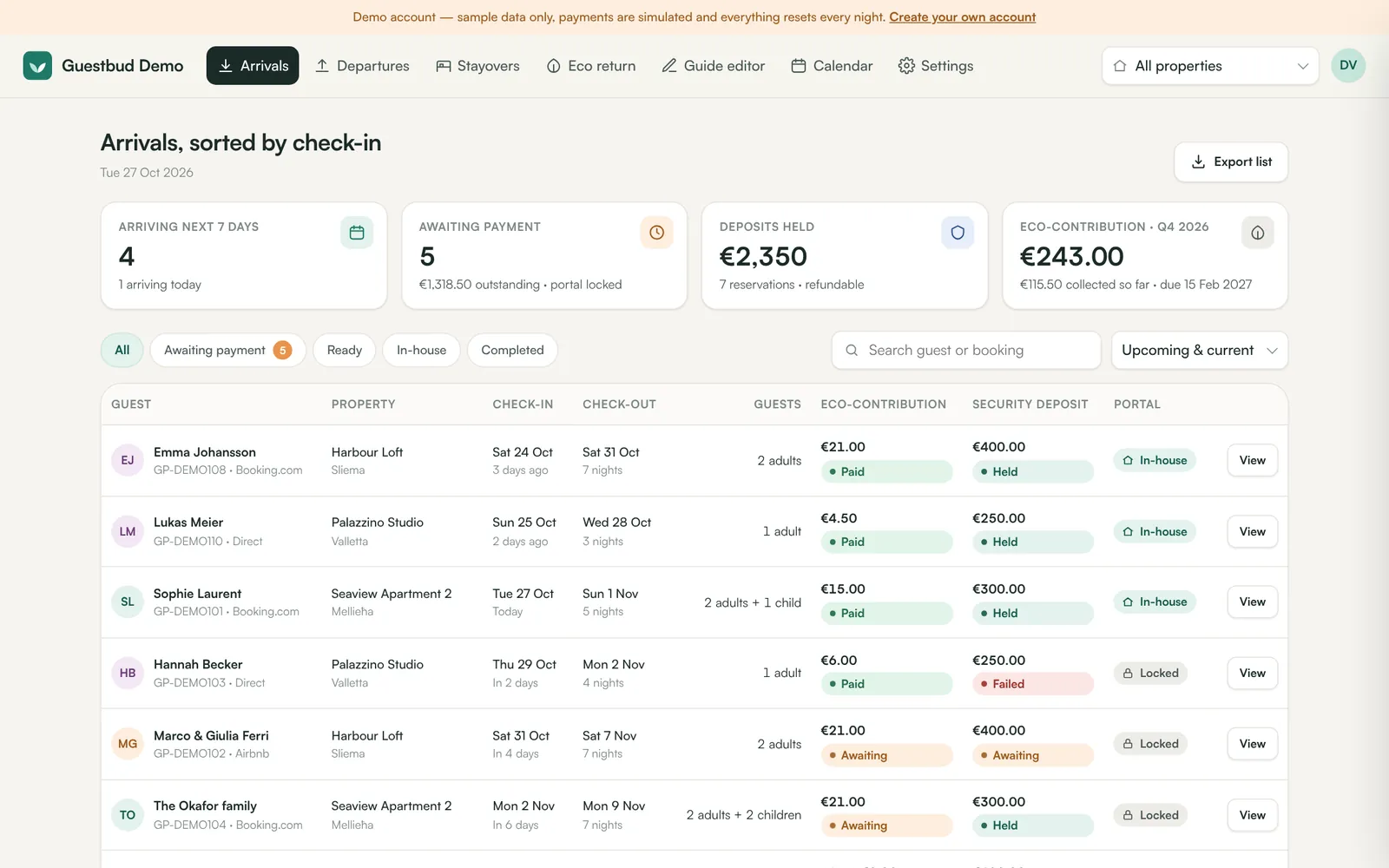
What your agent can do
- Read and answer the guest conversation in Airbnb, Booking.com, Vrbo and Expedia (via Hostaway or Channex)
- Find bookings, see who has checked in online and paid, send the check-in link or a reminder
- Unlock door codes early for an agreed early check-in
- Edit listing guides: Wi-Fi, check-in steps, house rules, local tips, extras
- Handle guests’ issue reports and add internal notes
- Read the cleaning plan with arrival and departure times and flights
- Edit and preview the automatic guest emails and templates
- Answer questions about occupancy, tourist tax, deposits, upsells and extras sold
Set up in two minutes
Add https://guestbud.io/mcp (or your own domain followed by /mcp) as a connector in ChatGPT, claude.ai, Claude Code or Cursor, sign in to Guestbud, choose a role and click Allow. The connection renews itself — no reconnecting. Automation tools such as n8n and your own code connect with an API key instead.
Safe by design
The agent connects with your Guestbud sign-in or its own API key and gets exactly the permissions of the role you choose — Staff for guest replies, Manager for listings and templates, Viewer for read-only. Money never moves through the agent: refunds, deposit releases, payment settings, users and keys are not available. Everything a guest writes is passed to the agent as untrusted data, door codes are only shared once the guest may see them, every change the agent makes is in the audit trail, and you can revoke the key at any moment.
Built on an open standard
MCP (Model Context Protocol) is the open protocol AI assistants use to work with other software. Guestbud implements it over Streamable HTTP with OAuth 2.1 sign-in (PKCE, dynamic client registration) or an API key, on top of the same documented REST API and webhooks developers use.
AI agent connection at a glance
| Protocol | Model Context Protocol (MCP), Streamable HTTP, JSON-RPC 2.0 |
|---|---|
| Server address | https://guestbud.io/mcp or https://<your domain>/mcp |
| Sign-in | OAuth 2.1 with your Guestbud login (renews automatically) or an API key (Authorization: Bearer gpk_…) |
| Permissions | The role you choose: Staff, Manager, Viewer or Cleaning — never more than your own |
| Works with | ChatGPT, claude.ai, Claude Desktop and mobile, Claude Code, Cursor, n8n and any other MCP client |
| Never available | Refunds, deposit release / capture, payment settings, users, API keys |
| Limits | 120 tool calls per minute, 40 guest messages per hour per connection |
| Audit | Every change the agent makes in the account’s audit trail, under the name of the app or key |
| Price | Included — your AI provider bills the agent itself |
Frequently asked questions
Can an AI agent answer my Airbnb and Booking.com guests?
Yes. Connected through MCP, your agent reads the conversation of a booking and replies in the channel chat via Hostaway or Channex — with the permissions of the role you gave it. Many hosts let it draft first and send after a check.
Which AI assistants can I connect?
ChatGPT, claude.ai, Claude Desktop and mobile, Claude Code and Cursor connect with sign-in: add the server address, log in to Guestbud and click Allow. n8n, agent frameworks and your own code connect with an API key.
Can the agent refund guests or release deposits?
No. Money-moving actions, payment settings, users and API keys are not available through MCP — they stay with you in the dashboard.
Do I have to reconnect the agent regularly?
No. The app renews its access automatically in the background; a connection only ends when you disconnect it, after 60 days without any use, or when the person who signed in leaves your team or changes their password.
How do I stop the agent?
Disconnect the app or revoke its API key under Settings → AI agent (MCP). Access ends immediately.
Does it cost extra?
No, MCP access is included. You only pay your AI provider for the agent.
Read the manuals
- Connect ChatGPT, Claude or your own AI agent (MCP)Connect ChatGPT, Claude, Cursor, n8n or any MCP client to your Guestbud account — with your Guestbud sign-in or an API key. Your agent answers guests in the Airbnb and Booking.com chat, manages bookings, listings, issues and guest messages — with the permissions you choose.
- API quick startCreate an API key, make your first call, create bookings from your PMS, read check-in and payment status and react to events with webhooks.
- Users, roles and sign-in (password, Google, phone.codeb.io)Invite your team, give each person a role (owner, manager, staff, viewer), and let them sign in with a password, Google or phone.codeb.io.
Reviewed 27 October 2026 by the Guestbud team, Aloaha Limited.